
Every ergonomic standing desk shopper carries the same mental checklist. You might not write it down, but it’s there. Is it tall enough for me? Will it wobble during a video call? Can I hear the motor on a Zoom?
After months of working from home full time on the Branch Duo Standing Desk, I went back to the buying guides that shaped my research and scored it against the 10 things they all agree you should check. Some of these the Duo nails. One, it doesn’t. Here’s the full rundown.
Buying Checklist: Ergonomic Standing Desk
I’ve had the Duo for about six months. I work remotely, typically eight hours a day, though it’s not a traditional 9-to-5. I take a few long breaks throughout the day and return to the desk fresh. I used to have a cheap foldable desk that did the job the way a paper plate does the job of a dinner plate. With that as my baseline, I scored the Duo against every item on the list.
1. Height Range and Body Fit

Every buying guide leads with this, and Tom’s Guide puts it plainly: The desk should let your arms rest at 90 degrees in both sitting and standing positions. If the range doesn’t reach your body, nothing else on the list matters.
As an ergonomic standing desk, the Duo adjusts from 28” to 47.3”, a 19.3” range. That covers seated postures for most users and standing for many, though Tom’s Guide notes that users over 6’0” should look for a desk reaching 48” or higher. The OLED paddle shows the exact height in real time, and two memory presets store your sitting and standing positions once you’ve dialed them in.
At 6’0”, I’ve always struggled to fit my legs comfortably under conventional desks. A standing desk solved that on its own, since I could raise the surface higher than any fixed-height option allows. I generally keep the Duo at sitting height for focused work, but I’ve also raised it to use as a makeshift entertainment center, watching movies on my monitor from across the room. That wasn’t on any buying guide checklist, but it’s the kind of flexibility you don’t get from a desk that doesn’t move.
2. Stability at Standing Height
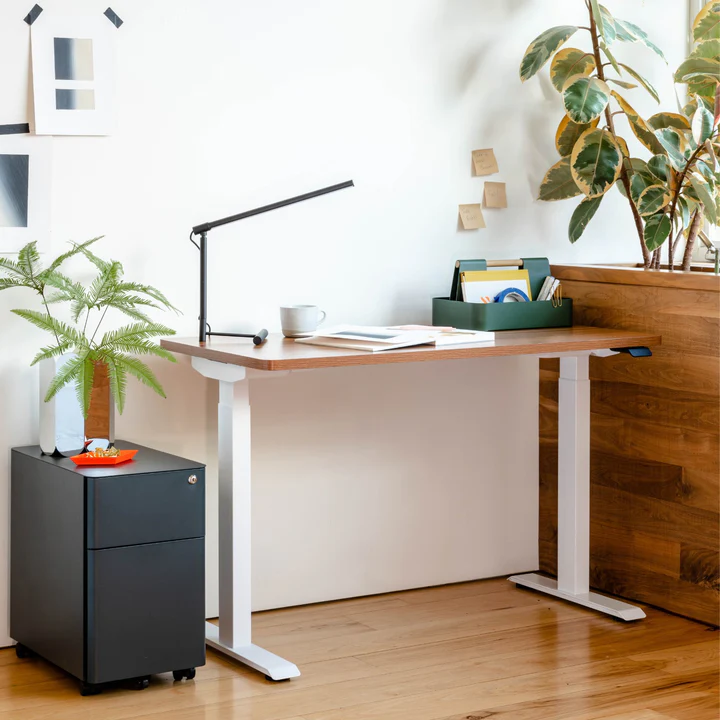
Wobble at full extension is the complaint that shows up in more standing desk reviews than any other. Forbes flags stability as a top-tier concern, and most guides recommend testing the desk at its tallest before committing.
Branch calls the Duo’s frameless base design “best-in-class stability,” and the dual-column structure keeps the weight low. At 47.3”, the desk should hold steady during normal typing. The key test is whether it stays firm when you lean on it or shift your weight mid-sentence.
Mine holds a large monitor, a laptop, an internet router, a modem, plus candles and lotions I like to keep within reach. Even at standing height with all of that loaded on, the desk holds steady. No wobble while typing, no rattling when I lean on the edge mid-call.
3. Motor Type and Noise

Tom’s Guide recommends dual-motor setups for smoother, faster lifts with less strain on the mechanism. Other guides add that motor noise should stay under 50 decibels if you plan to adjust during calls or recordings.
The Duo runs dual motors at under 50 dB, with a lift speed of 1.3 inches per second. The spec checks both boxes. The practical test is whether anyone on a call notices when you raise it.
In practice, it sounds like a blender running in another part of the house: a slight whir that lasts a few seconds and then stops. I’ve adjusted mid-meeting without anyone commenting on it. You’ll hear it. Your colleagues won’t.
4. Height Presets
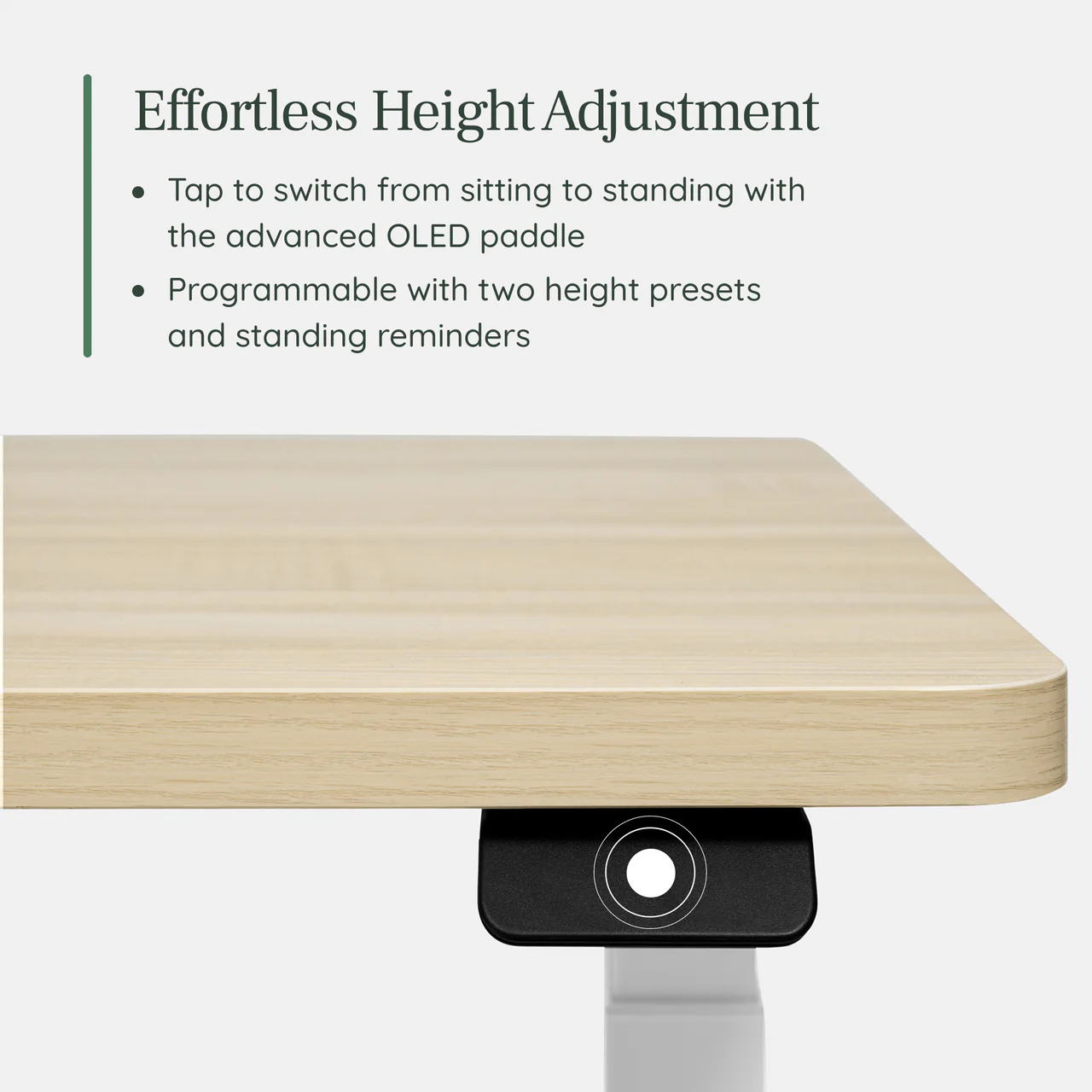
Tom’s Guide recommends four presets and says three will do. The logic is straightforward. If switching between sitting and standing requires holding a button and watching a number, you’ll stop doing it by week two.
The Duo ships with two presets, fewer than many competitors, though the Bluetooth adapter and Branch Ergonomics app can expand on that. In practice, two covers the essentials, a sitting position and a standing position. The OLED paddle stores both, and a double-tap sends the desk to either one. Branch also includes programmable reminders that nudge you to stand at intervals you set, which partially offsets the count by automating the habit those saved positions are meant to encourage.
I don’t use the presets, if I’m being honest. I prefer to adjust constantly throughout the day based on my posture, which means I’m tapping the controller manually rather than jumping between two saved heights. The saved positions are there if I want them, but the real value for me is how quickly and quietly the desk responds to a live adjustment.
5. Desktop Size
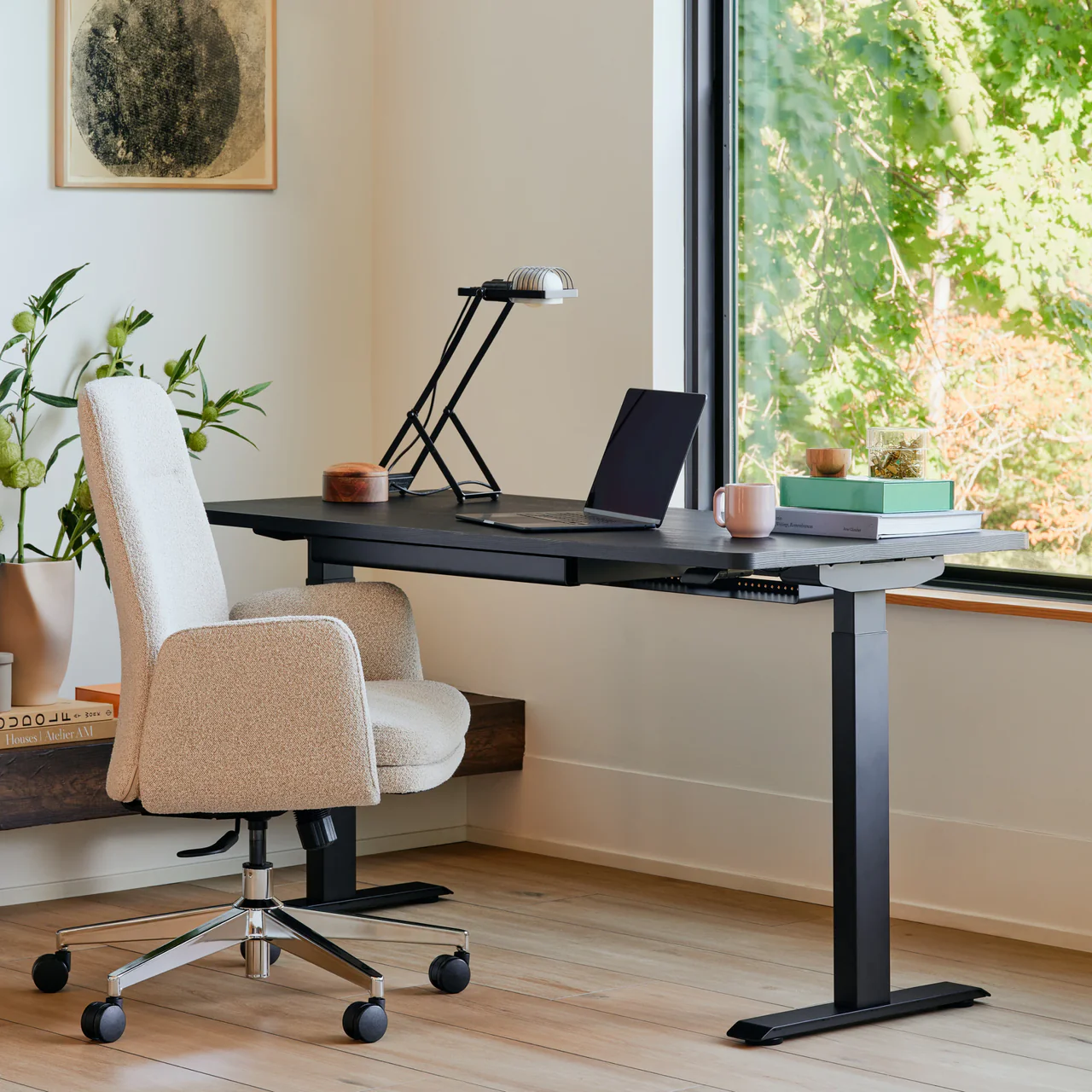
Buying guides from multiple sources start with surface area. Measure what you need on the desk before you measure the desk itself. Remote workers with a single laptop have different demands than those running two screens, an external keyboard, and a coffee cup that needs a safe landing zone.
The Duo comes in three sizes: 36” x 24”, 48” x 24”, and 58” x 27”. The 36” fits a compact home office or bedroom corner. The 48” handles a dual-monitor setup. The 58” spreads out for users who want real estate. A built-in cable notch with rounded corners keeps a charging cable routed through without a separate grommet.
The 48” fits my setup perfectly. I have room for a large display, a laptop, and the daily necessities I want within arm’s reach without the surface feeling cluttered or cramped. I can even pull out a notebook and handwrite lists without moving my keyboard out of the way, which sounds minor until you realize how often you reach for a pen during a call.
6. Cable Management
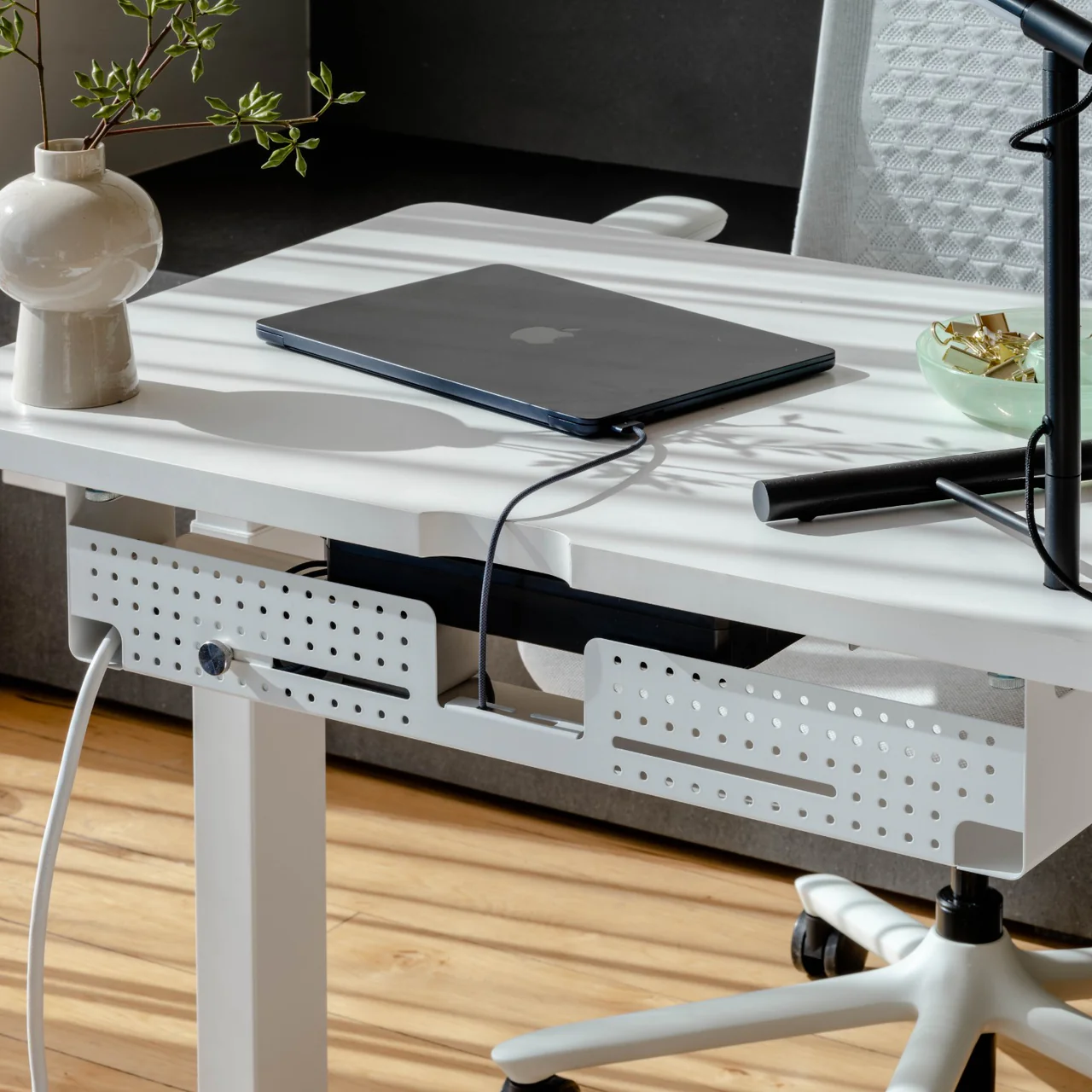
Forbes and other buying guides include cable management on the checklist and for good reason. A standing desk moves, and every cable plugged into it moves with it. Loose cords snagging on the raise are a safety concern and a distraction.
This is the Duo’s one honest miss. The desk doesn’t include cable management in the box. Branch sells a Cable Organizer separately, available as a tray-only option or with integrated power, and the desk has threaded inserts ready for it. But out of the box, you’re routing cables on your own. Competitors at this price often include a basic tray.
I bought the Cable Organizer, which took a few minutes to attach, and it holds a power strip, plus every cord running to the desk. My monitor has a large power brick that takes up roughly half the tray, but everything still fits cleanly underneath. The add-on cost of $59 stings, but the result is a desk that rises and lowers without a single cable dragging behind it.
One tip I learned the hard way? Don’t plug the desk directly into the wall outlet. When I raised it to full height, the cord pulled tight enough that I stopped mid-lift, worried about straining the outlet. Routing it through a power strip with a longer cord solved the problem immediately. Worth knowing before your first raise.
7. Weight Capacity
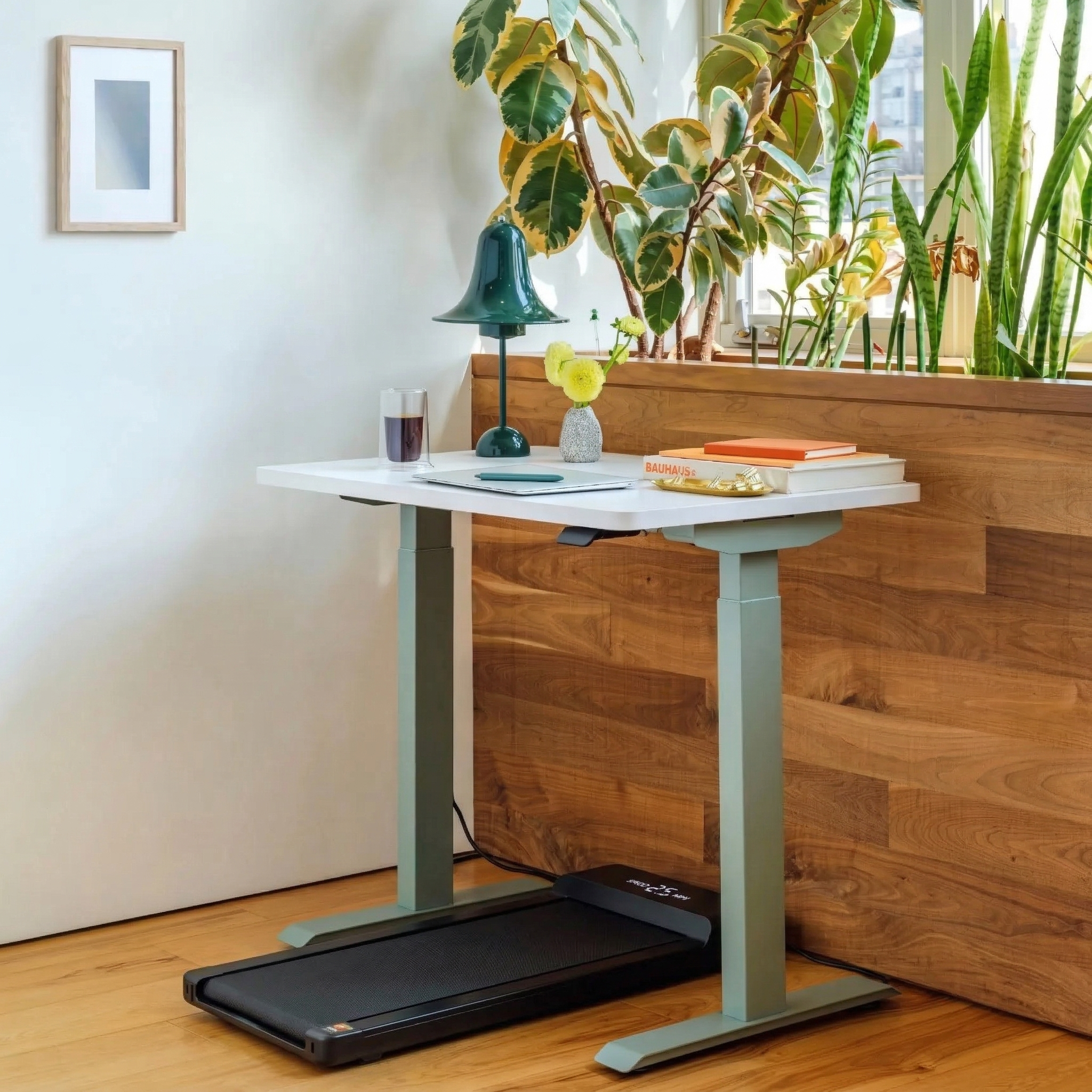
Buying guides distinguish between light-duty desks (under 150 lbs) and heavy-duty setups built for dual monitors, a printer, and stacks of reference material. The threshold matters because an overloaded motor strains, slows, and eventually fails.
The Duo supports up to 275 lbs, which is comfortably in the heavy-duty range. A typical remote setup of a monitor, laptop, keyboard, mouse, and a few accessories weighs 30–50 lbs. That leaves a wide margin before the motor feels any strain.
With a monitor, laptop, router, modem, and accessories loaded on, the desk lifts at the same speed it did on day one. No hesitation, no slowdown. The 275 lb ceiling is generous enough that I’ve never had to think about it.
8. Assembly
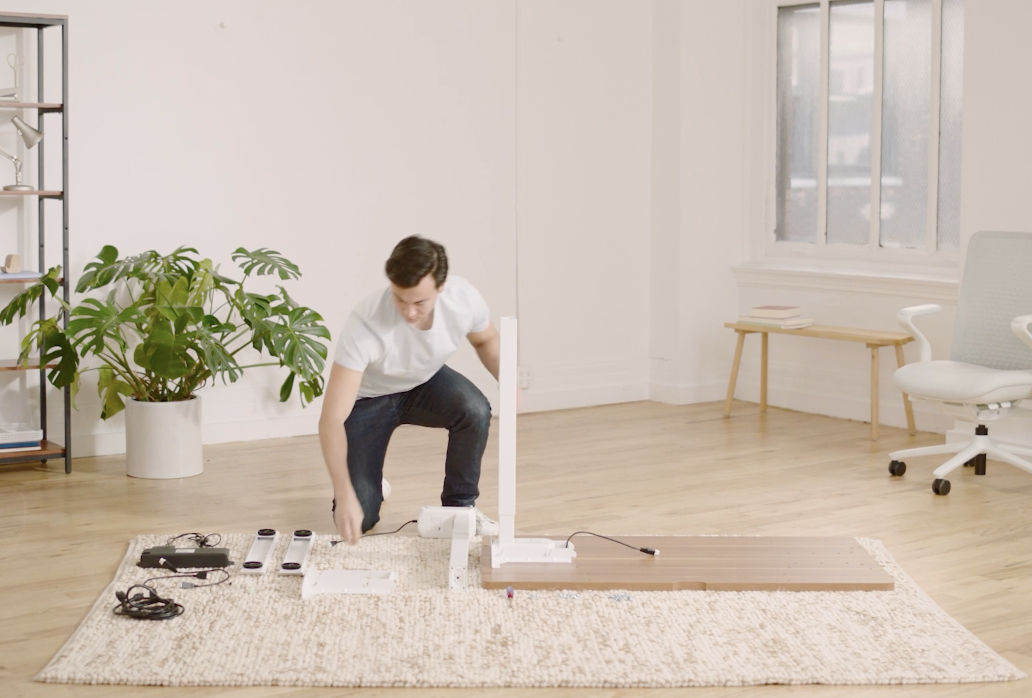
Tom’s Guide, Forbes, and Vari’s own buying guide all include assembly time as a decision factor. A desk that takes two hours and a second person to build starts the relationship with frustration.
The Duo uses threaded inserts instead of disposable pilot holes, which means the bolts seat cleanly and the desk can be disassembled and reassembled without losing structural integrity. Branch says assembly takes about 20 minutes. The desk ships in two boxes.
Mine took closer to an hour, partly because I attached the legs before the Desk Drawer and had to backtrack. Lesson learned? Mount the accessories first. The reusable hardware made the redo painless, though. Nothing stripped, nothing forced, and the second attempt went together in minutes. I handled it solo without any trouble.
9. Aesthetics

Forbes quotes a furniture executive on the growing demand for desks that belong in a living space, not just an office. Remote workers don’t have a door to close. The desk shares the bedroom, the kitchen, or the common area, and it needs to look like it was invited.
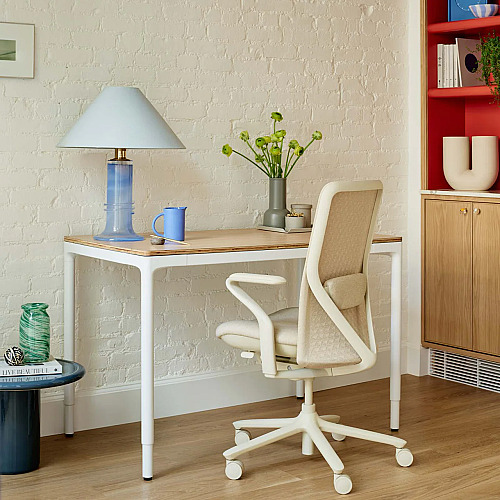
The Duo comes in 10 top colors (laminate or wood veneer) and five leg colors, which gives it a customization range most competitors can’t touch. The frameless silhouette hides the mechanism and opens up legroom, and the rounded corners soften the profile. In a shared living space, it looks more like something you chose than something you installed.
I went with the Sage top and white legs. My walls are a light blue-gray, with white trim, doors, and windowsills throughout. The Sage adds a touch of color that feels deliberate without overpowering the room. Visitors tend to notice it as something stylish before they realize it’s a standing desk, which is exactly the point.
10. Warranty and Certification

Buying guides frame warranty as a proxy for how much the manufacturer believes in the product’s mid-life performance. Several add that BIFMA or UL certification signals the desk has been tested to a recognized durability standard, not just the manufacturer’s own claims.
The Duo meets the BIFMA standard for commercial-grade use and carries a 10-year warranty. Branch also offers a 30-day trial. If the desk doesn’t work in your space, you can return it in its original packaging, though return shipping is at your cost. Between the testing standard and the coverage length, this is one of the strongest commitments in the sub-$600 range.
Six months in, nothing has gone wrong. The motor sounds the same as day one, the surface hasn’t marked, and the lift hasn’t slowed. I haven’t needed to contact support, which is the best review a warranty can get.
How the Duo Checked Out
The Duo’s Answer | Verdict | |
|---|---|---|
Height Range and Body Fit | 28” to 47.3” (19.3” range), OLED display | ✓ |
Stability at Standing Height | Frameless dual-column base, no wobble at max height | ✓ |
Motor Type and Noise | Dual motors, under 50 dB, 1.3”/sec lift | ✓ |
Height Presets | Two presets with programmable stand reminders | Partial |
Desktop Size | Three sizes (36” to 58”), built-in cable notch | ✓ |
Cable Management | Not included; Cable Organizer sold separately | ✗ |
Weight Capacity | 275 lbs | ✓ |
Assembly | Threaded inserts, reusable hardware, ~20–60 min solo | ✓ |
Aesthetics | 10 top colors, 5 leg colors, frameless silhouette | ✓ |
Warranty and Certification | 10-year warranty, meets BIFMA standard, 30-day trial | ✓ |
The Scorecard
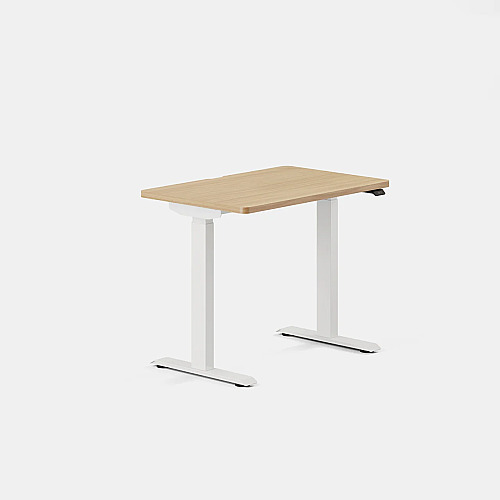
Nine out of 10. The Duo Standing Desk checks every box on the remote worker’s checklist except cable management, and it solves that gap with an accessory that works but costs extra. The height range covers most body types, the motors are quiet enough for live calls, the stability holds at full extension, and the 10-year warranty outlasts most careers at a single company.
At $549, it sits in the middle of the ergonomic standing desk market. What it delivers for that price, especially the frameless design, the customization depth, and a nod from Wirecutter, makes a strong case if you want to buy once and stop thinking about your desk.
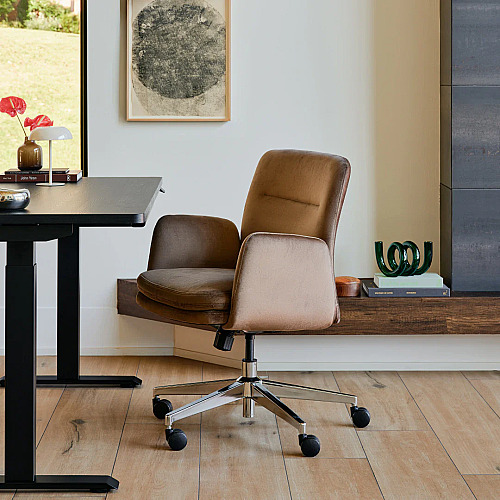
I wish I’d bought the Duo sooner. Pairing it with the Branch Ergonomic Chair Pro and its tall cylinder has made long stretches at the desk noticeably more comfortable, especially for someone like me who deals with sciatica and SI joint discomfort. If you’re remote, if your current desk was an emergency purchase, and if you’re tired of working around furniture instead of with it, this is the upgrade that sticks.
All details were verified at the time of publication and are subject to change without notice.




Leave a Comment
Your email address will not be published. Required fields are marked *